Quick battle and Custom battle
Quick battle
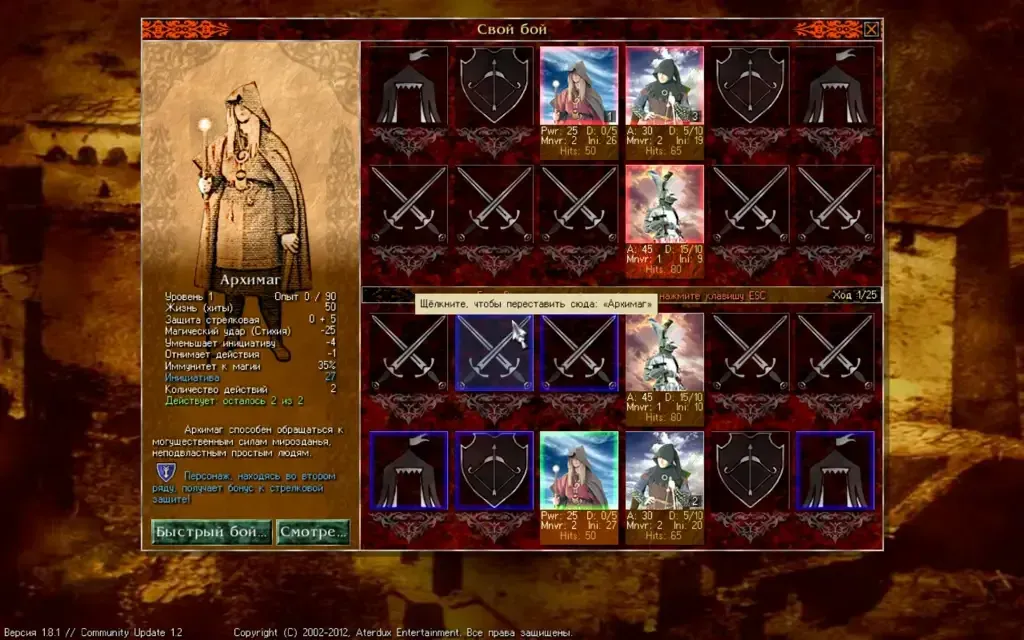
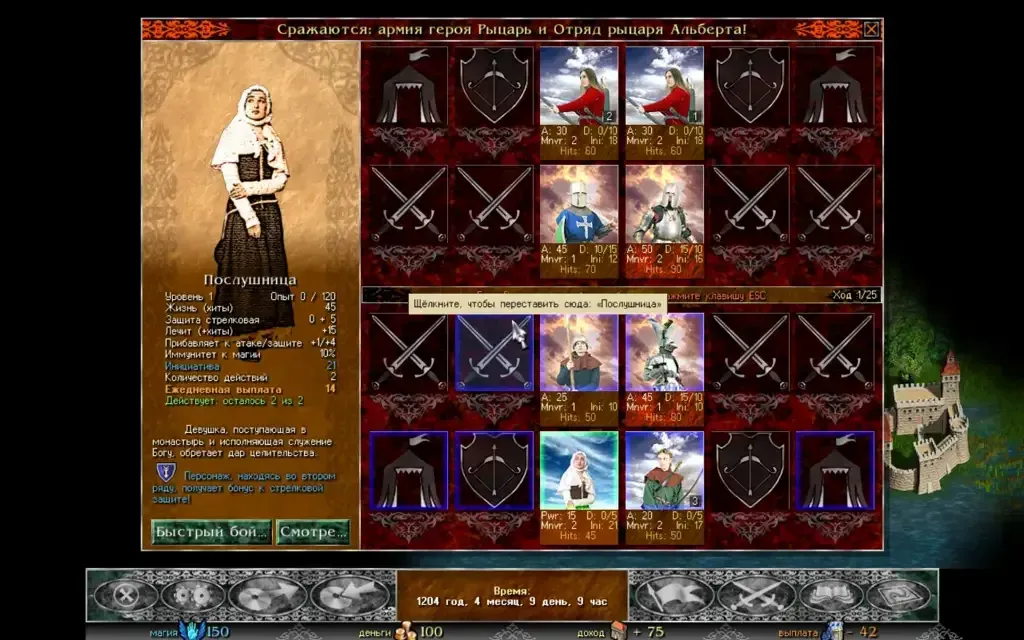
Section titled “Quick battle”A Razdor addition, like auto-battle in other strategy games. When a battle has opened and nobody has moved yet, “Quick battle (Q)” (Q or Enter) plays it out for both sides with the battle AI. If the battle is already under way, “Finish automatically (Q)” (Q) plays out the rest.
- Rules: your units play by the same rules as the AI: one reserve move per turn, never back to the reserve.
- Result: the totals window appears at once. The battle counts in full: losses, experience and levels, loot, captured castles, later events.
- Watch: the
Wkey starts watching on the battle screen. The AI plays both sides, turn by turn, with the usual animation. - Speed:
Sor the speed button switches between 1×, 2× and 4×.
Custom battle
Section titled “Custom battle”“Custom battle” in the corner of the main menu opens the battle setup outside any campaign.
- Units: on the “Unit types” tab on the left, click a type to add it to the army (the army is outlined in gold). The formation has up to 12 cells. Your army is at the bottom of the screen, the enemy army at the top.
- Levels: set each unit’s level from 1 to 30 with the
−and+buttons. - Items: click a unit to open the “Items” tab. The buttons at the top show one kind (weapons, armour, helmets, shields, rings, amulets), and the “Price” button sorts by price. The filter field (click it or press
Ctrl+F) searches items by words.
Battle settings
Section titled “Battle settings”Before the fight, press “Fight! (Enter)” (Enter). You can set:
- Formation: the wide row of 6, or the normal 3 × 4;
- Battle AI strength: normal, improved or “Maximum (Razdor)”;
- Control: for each side, you or the AI.
The totals window offers “Again (Enter)” (Enter), “Change armies (Esc)” (Esc) and “Main menu”.
Battle code
Section titled “Battle code”You can pass your battle setup to another player as a text string.
- Press “Copy the battle code” (or
Ctrl+C). A line likeRZB1:…goes to the clipboard. - The other player pastes it in their battle window with “Paste the battle code” (or
Ctrl+V).