Photo mode
How to turn it on
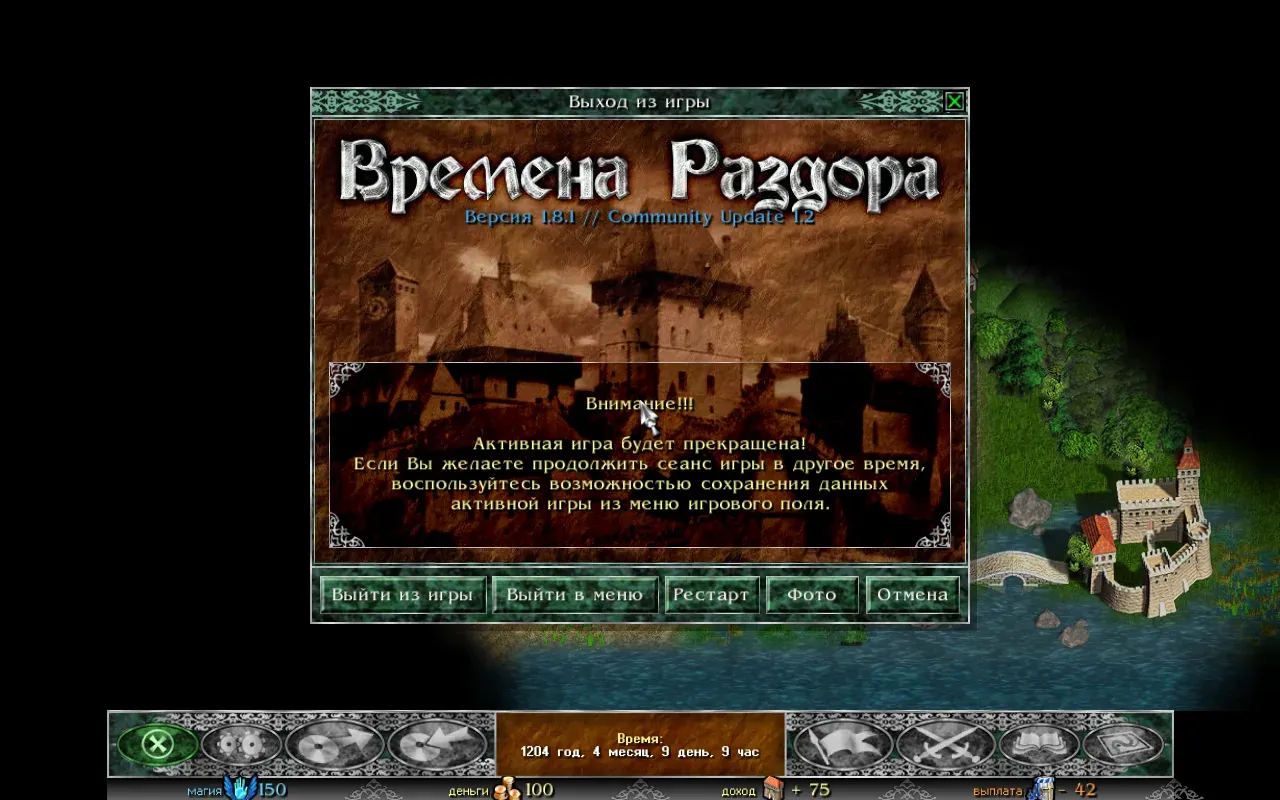
Section titled “How to turn it on”In the game menu on the map, press the “Photo” button. It is in the row of buttons: “Quit the game”, “Exit to menu”, “Restart”, “Photo”, “Cancel”.
On a phone, the mode is turned on by the “Photo” button in the game menu (in the row of six buttons).
What happens in the mode
Section titled “What happens in the mode”The game stands still. Time does not pass, the hero does not walk, no events happen, and the AI does not move. The fog of war, the armies and the buildings stay as they are in the game.
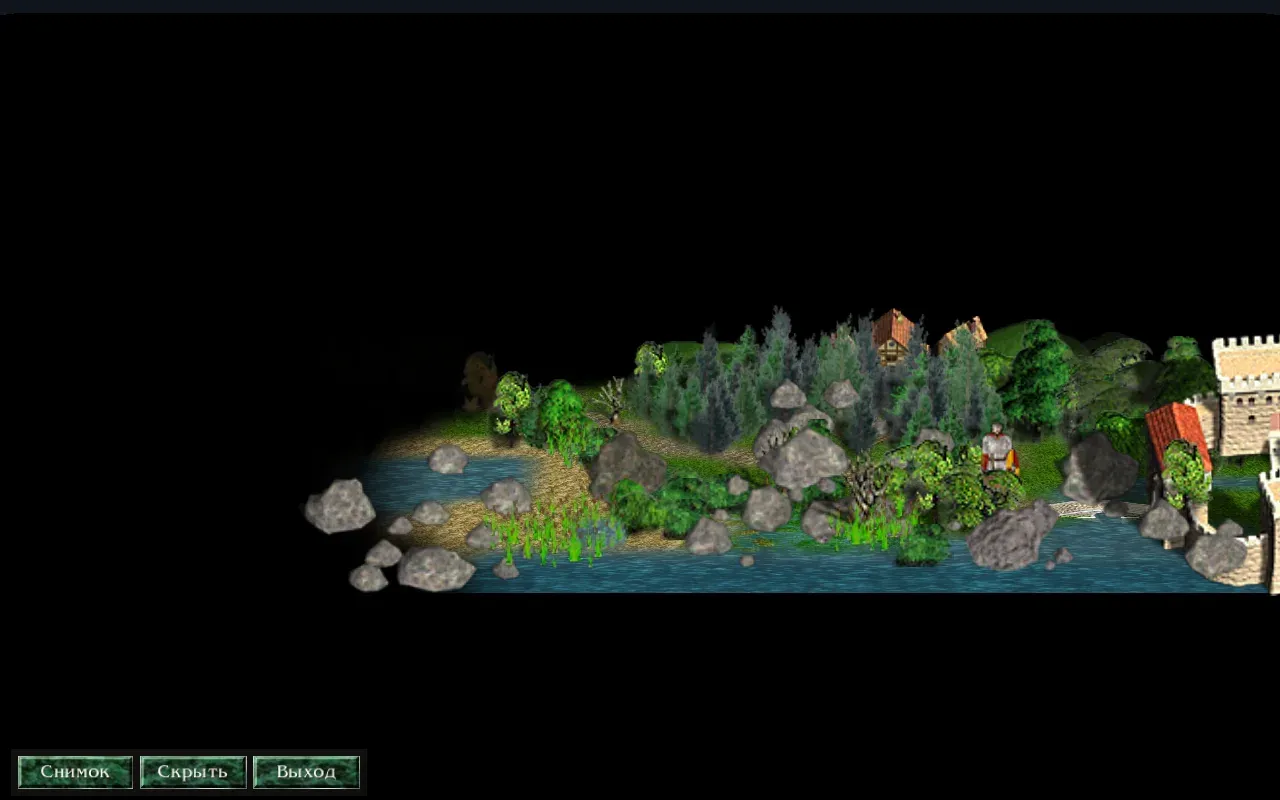
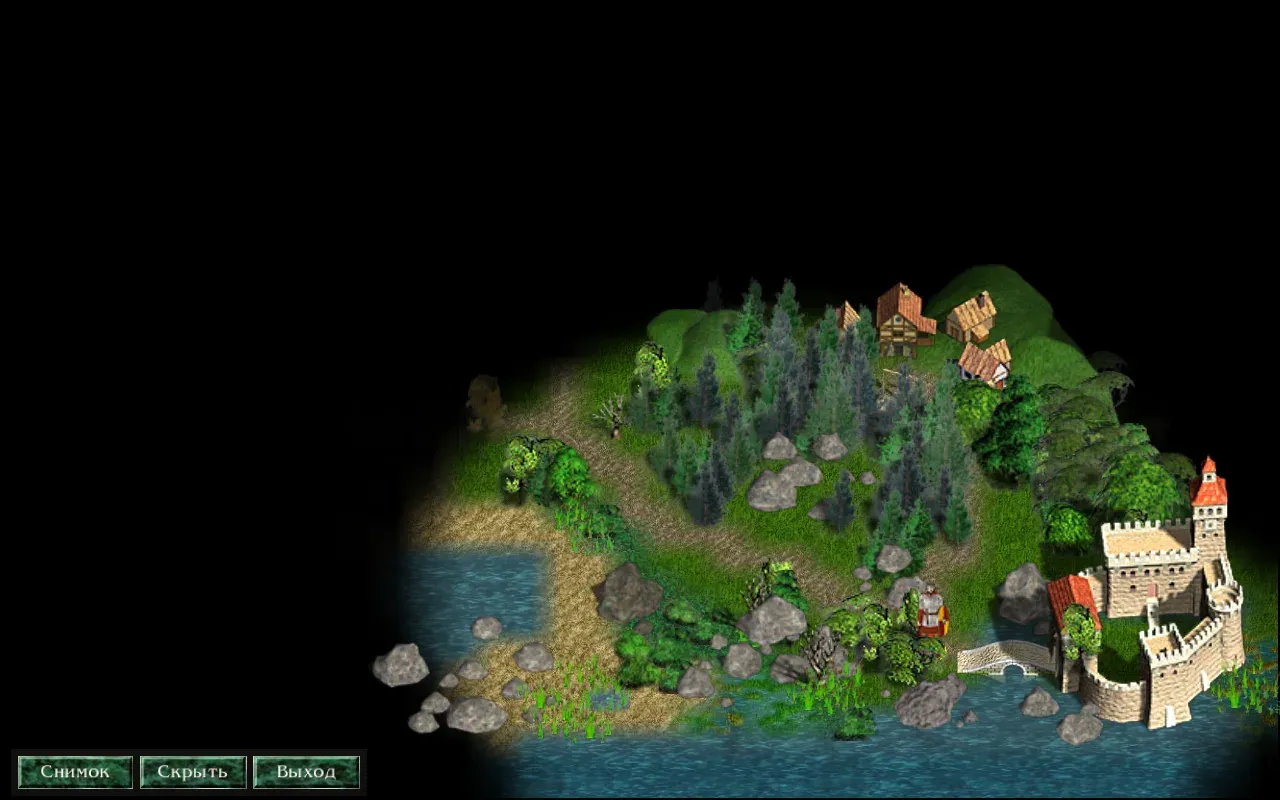
Only a small panel with three buttons stays on screen: “Shot”, “Hide the strip” and “Exit photo mode”.
When you leave the mode, the map’s view goes back to how it was in the game.
The camera
Section titled “The camera”On a computer:
- Left mouse button, drag: pans the map.
- Right mouse button, drag: turns and tilts the camera.
- Mouse wheel or + / −: zooms in and out.
- Q and E: turn the camera.
- PageUp and PageDown: tilt the camera (hold the key).
- Arrow keys: pan the map (hold the key).
On a phone:
- One finger: pans the map.
- Two fingers, pinch and spread: zoom in and out.
- Two fingers, twist: turns the map.
- Two fingers, slide up and down: tilts the camera.
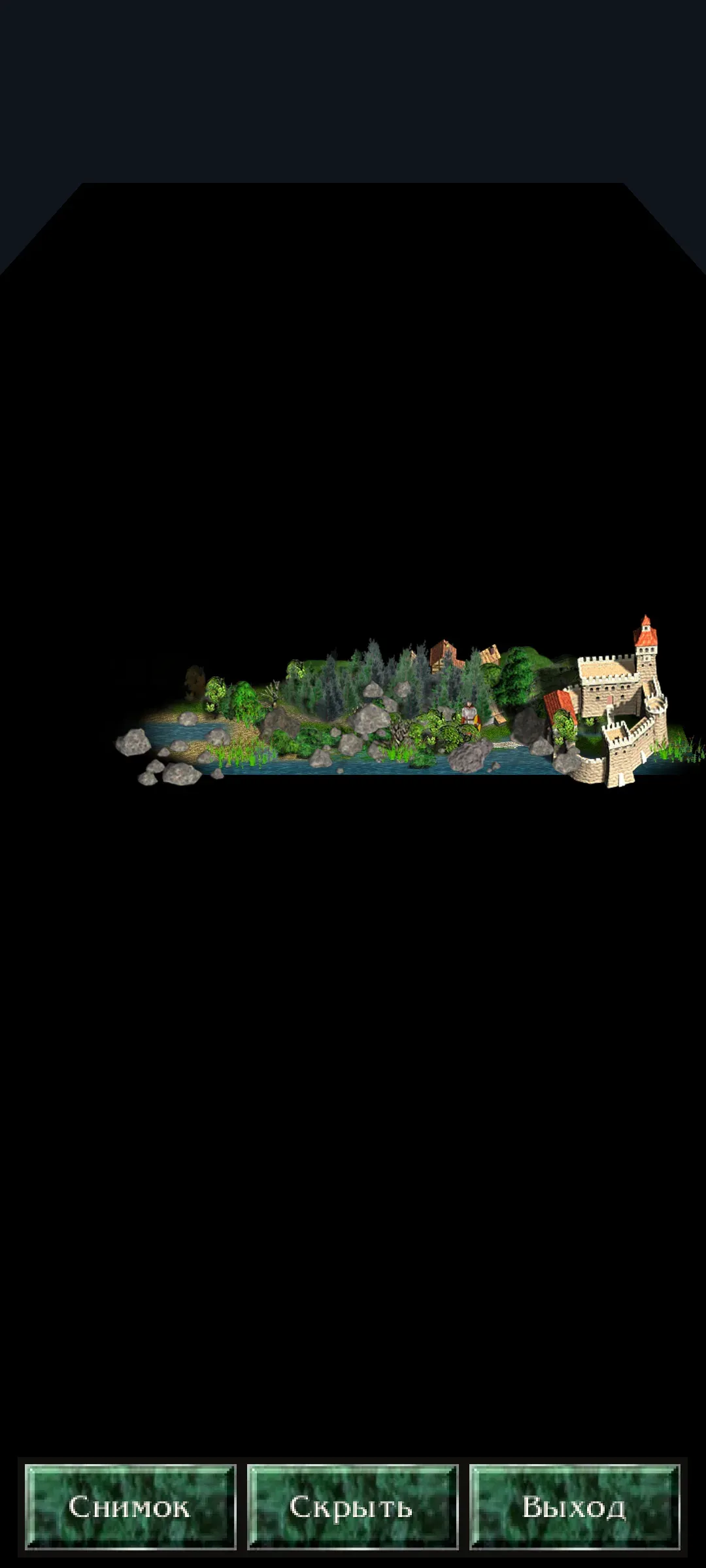
The panel
Section titled “The panel”The panel has three buttons:
- “Shot”: takes a picture of the map.
- “Hide the strip”: hides the panel for a clean picture. A click on the map, or Esc, brings the panel back.
- “Exit photo mode”: leaves the mode.
A shot is saved as a PNG. It has no panel and no mouse pointer on it.
The shots are kept in the photos folder inside Razdor’s data folder:
- On Linux:
~/.local/share/razdor/photos - On Android:
/storage/emulated/0/Razdor/photos
The file name looks like razdor-YYYY-MM-DD-HH-MM-SS.png. If you take a second shot in the same second, a number is added (-2, -3).
After a shot, a line with the file name appears at the bottom of the screen.
Differences from the original
Section titled “Differences from the original”The original “Discord Times” has no photo mode. Razdor adds it.
Nothing in the game changes: the mode does not let the hero move, does not change saves and does not change the rules.
For a video with a camera and the hero’s walks, see How to record a video.