Installing Razdor
Razdor programs are published in the releases on GitHub. Each system needs its own file. The game also needs your own copy of Discord Times: see Game installation. Without it, the main menu explains that a copy of the game is needed.
Windows
Section titled “Windows”- Download
Razdor-<version>.exefrom the release. It is a single file with no DLLs of its own. - Put it in a convenient folder, or next to
DiscordTimes.exe. - Run it with a double-click.
- Download
razdor-<version>-linuxfrom the release. - If the system does not let you run the file, make it executable:
chmod +x razdor. - Open a terminal in the folder with the file and run
./razdor-<version>-linux.
- Download
razdor-<version>-macosfrom the release. - The program is not signed by a developer, so macOS blocks it after download. Before the first launch, run
xattr -d com.apple.quarantine razdor-<version>-macosin Terminal, or open the program from Finder with right-click → Open. - A double-click opens the program in Terminal.
Checking the download
Section titled “Checking the download”If you want to be sure the file is not damaged, compare its SHA-256 with SHA256SUMS from the same release.
Mobile devices
Section titled “Mobile devices”Installation instructions for phones are on separate pages:
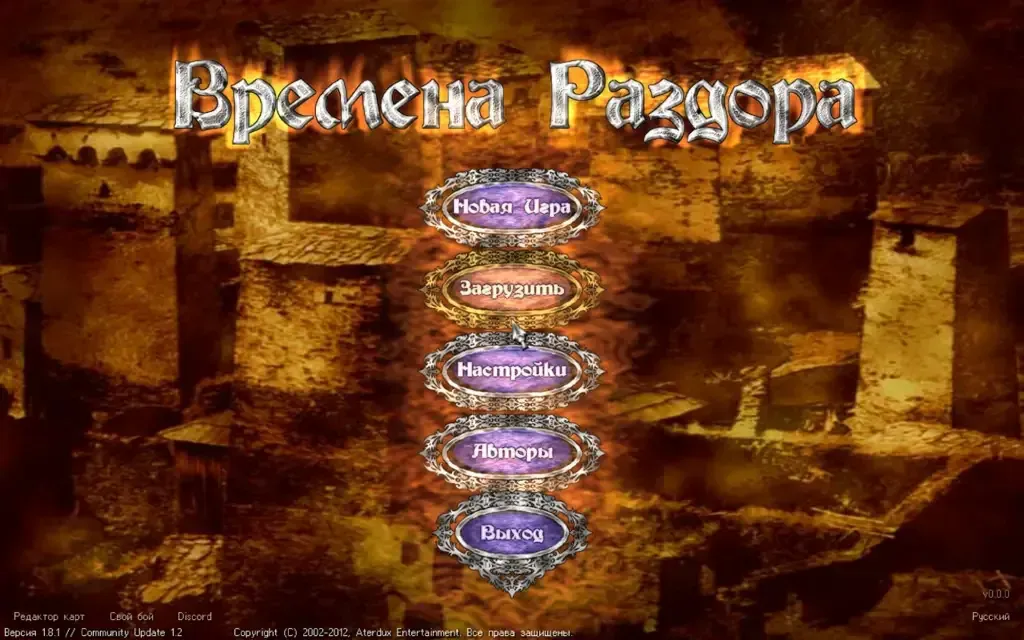
After launch, if the game is found, you get to the original game’s main menu.